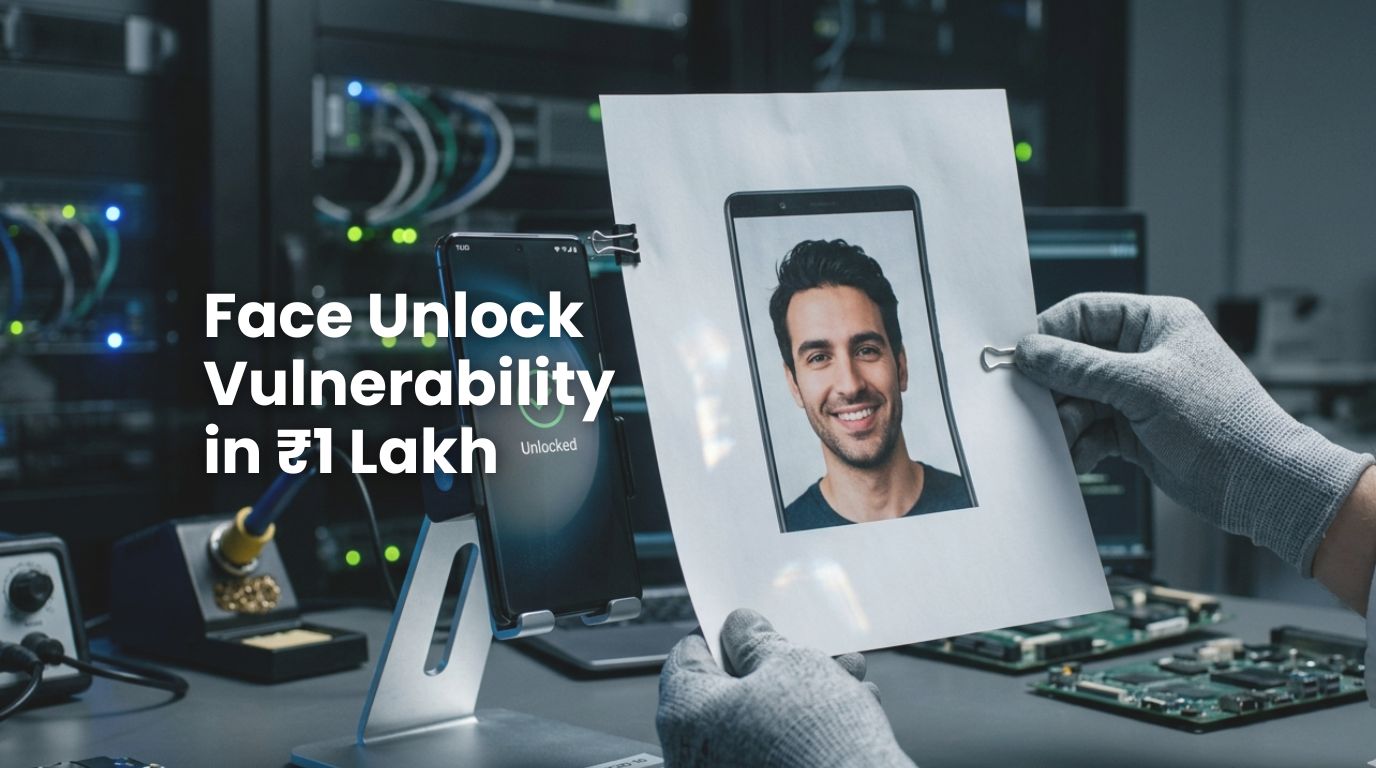

I read this and had to pause. Not because it’s surprising. But because it’s exactly the kind of thing tech quietly hopes you never think about. Apparently, a bunch of premium Android phones—yes, the expensive ones—can be unlocked using face unlock…
A printed photo of your face.
That’s it. No hacking. No coding. No Mission Impossible scene.
Just… printer + paper + your face.
Let’s Process This Together
You spend:
- ₹80,000
- ₹1,00,000
- Sometimes more
For a device marketed as:
- “Secure”
- “Advanced”
- “AI-powered”
And someone can bypass it using…
Stationery.
The Real Issue Isn’t The Flaw
It’s the illusion, because most people assume:
Face unlock = Face ID = Same thing
It’s not.
Here’s What’s Actually Happening (in simple terms)
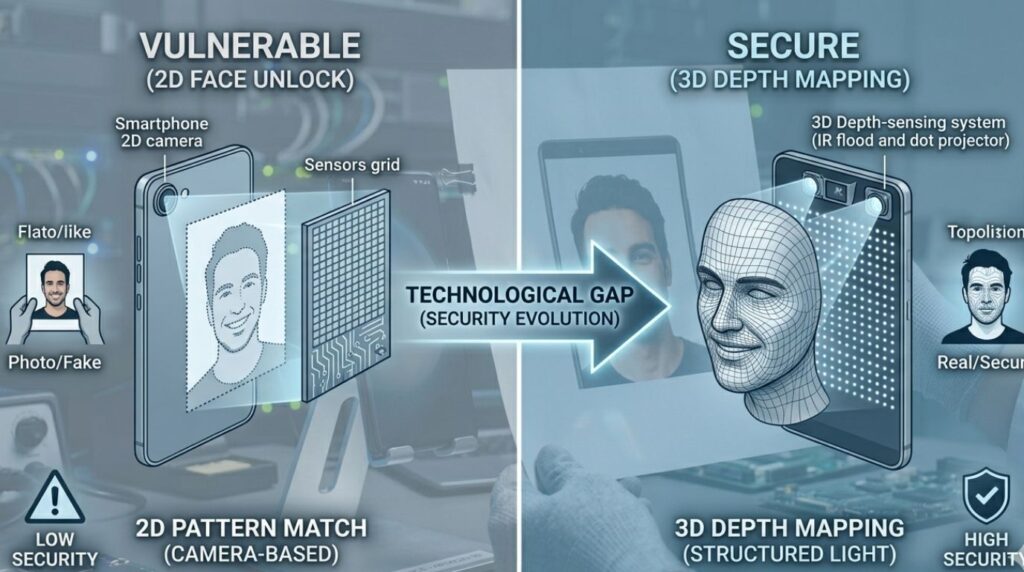
There are 2 types of face unlock systems:
1. 2D Face Unlock (Most Android phones)
- Uses your front camera
- Matches your face like a photo
- Easily fooled by… another photo
2. 3D Face Recognition (Apple, some advanced devices)
- Maps depth, contours, structure
- Much harder to trick
- Actually designed for security
Guess Which One Most Brands Use?
Exactly.
The cheaper one… disguised as premium.
Most premium Android manufacturers rely on software-based ‘Liveness Detection’ to distinguish a real human from a static image. However, in the rush to provide a ‘near-instant’ unlock experience, these algorithms are often tuned to be less sensitive.
The Funniest (and Scariest) Part
Some brands don’t even warn you properly.
No clear messaging.
No bold disclaimer.
Just quietly sitting there like: “Yeah, bro, it works… don’t ask too many questions.”
This is Peak Modern Tech Behaviour
We optimise for:
- Convenience
- Speed
- Smooth UX
And somewhere along the way…
Security becomes optional.
Let’s be Honest
Face unlock isn’t built for safety. It’s built for:
- Quick access
- Lazy unlocking
- That “futuristic feel.”
Because typing a PIN?
Too much effort, apparently.
The Satire Writes Itself (again)
We went from:
- Passwords
→ OTPs
→ Biometrics
Only to arrive at: “Show me your face… or a picture of it… same thing.”
Here’s Where it Gets Serious
This isn’t just about unlocking your phone. It’s about:
- Banking apps
- Personal data
- OTP access
- SIM misuse
If your phone unlocks…
Everything unlocks.
And this is where most people are wrong
They think:
“I have nothing to hide.”
That’s not the point. You have:
- Access
- Identity
- Control
And that’s far more valuable.
What Should You Actually Do?
Not rocket science.
- Use fingerprint (still solid)
- Use a 6-digit PIN
- Avoid relying only on face unlock
- Turn off face unlock for payments/apps
Basically…
Stop trusting convenience blindly.
The 2026 Mobile Security Checklist
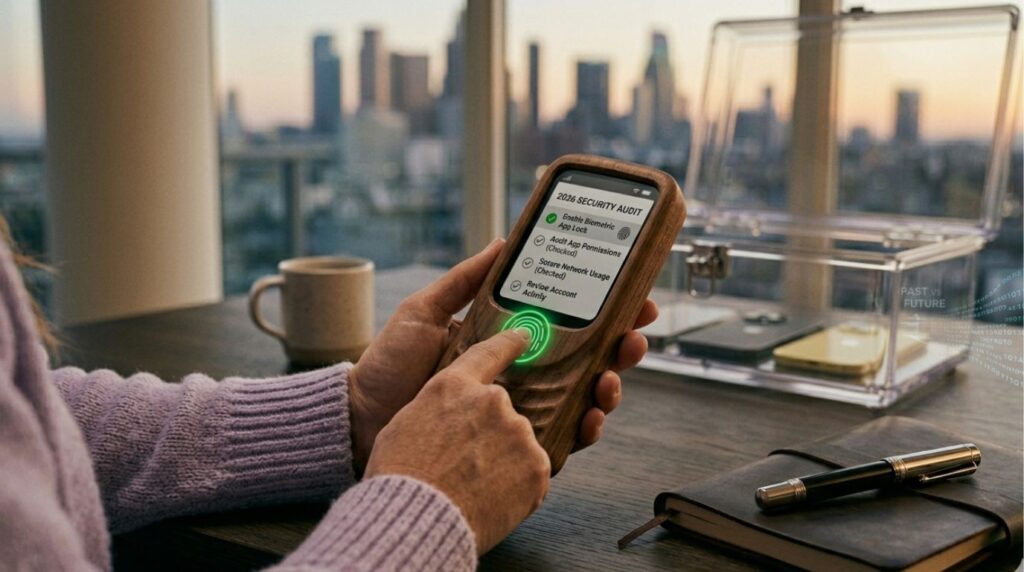
If you are using a device that relies on a 2D camera system, you need to treat your biometric security as a convenience feature, not a vault. To mitigate this face unlock vulnerability, follow these steps:
- Restrict Sensitive Apps: Go to your settings and ensure that banking, UPI, and crypto apps require a Fingerprint or PIN, even if the phone is already unlocked.
- Enable ‘Require Eyes Open’: Most Androids have a setting that requires your eyes to be open and looking at the screen. It’s not foolproof against a photo, but it adds a layer of friction.
- Audit Your Permissions: If an app asks for ‘Biometric Access,’ check if it’s using the Android Biometric Prompt (Secure) or just a custom camera-view.
My Takeaway
Tech today is brilliant at one thing: Making you feel secure.
Not necessarily being secure.
Final Thought
If your ₹1 lakh phone can be fooled by a printed photo, maybe the smartest thing about it…
Is still the person using it.
Also, just saying—
If your phone unlocks with your face…
Make sure it doesn’t unlock with your Instagram DP too.
As the industry shifts, staying informed on digital trends is essential for any person. Click through to read more such threads!